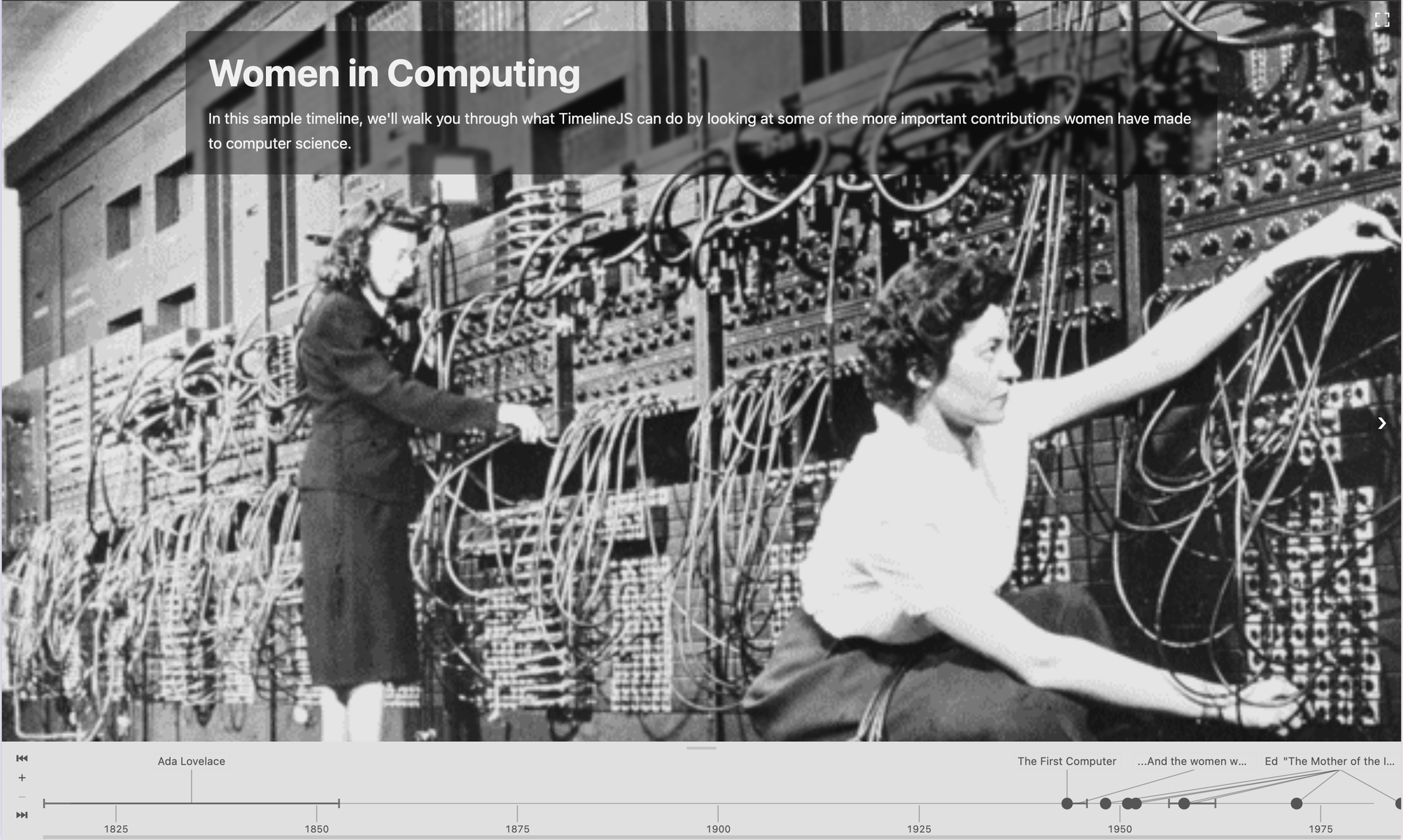
Knight Lab’s TimelineJS has been enormously popular. Since the Knight Lab launched TimelineJS in 2012, users have created more than one million timelines, garnering over 1 billion views.
Given that popularity, we’ve been hesitant to make big changes to it. We couldn’t easily communicate with timeline authors, and we didn’t want to break things that had been published, and, honestly, we were sometimes a little dizzy at how quickly JavaScript development tools and practices were changing.
Even so, we had ideas about how TimelineJS could be better. And with the blossoming of AI-assisted coding, we saw the opportunity to take a big leap forward. We’re excited to share the new version, which we have been calling TimelineNG for “next generation”. (No relation to our research project with a similar name!)
What's (not) new?
For casual authors and readers, the end product (the player) is actually not that different. The visual presentation is a bit streamlined, especially the actual timeline part, but the basic slideshow model is preserved. In fact, you can use any existing timeline configuration with the new player without changing a thing! (Coders should find it much easier to integrate and adapt TimelineNG, including changing the visual style.)
Authoring is Much Easier
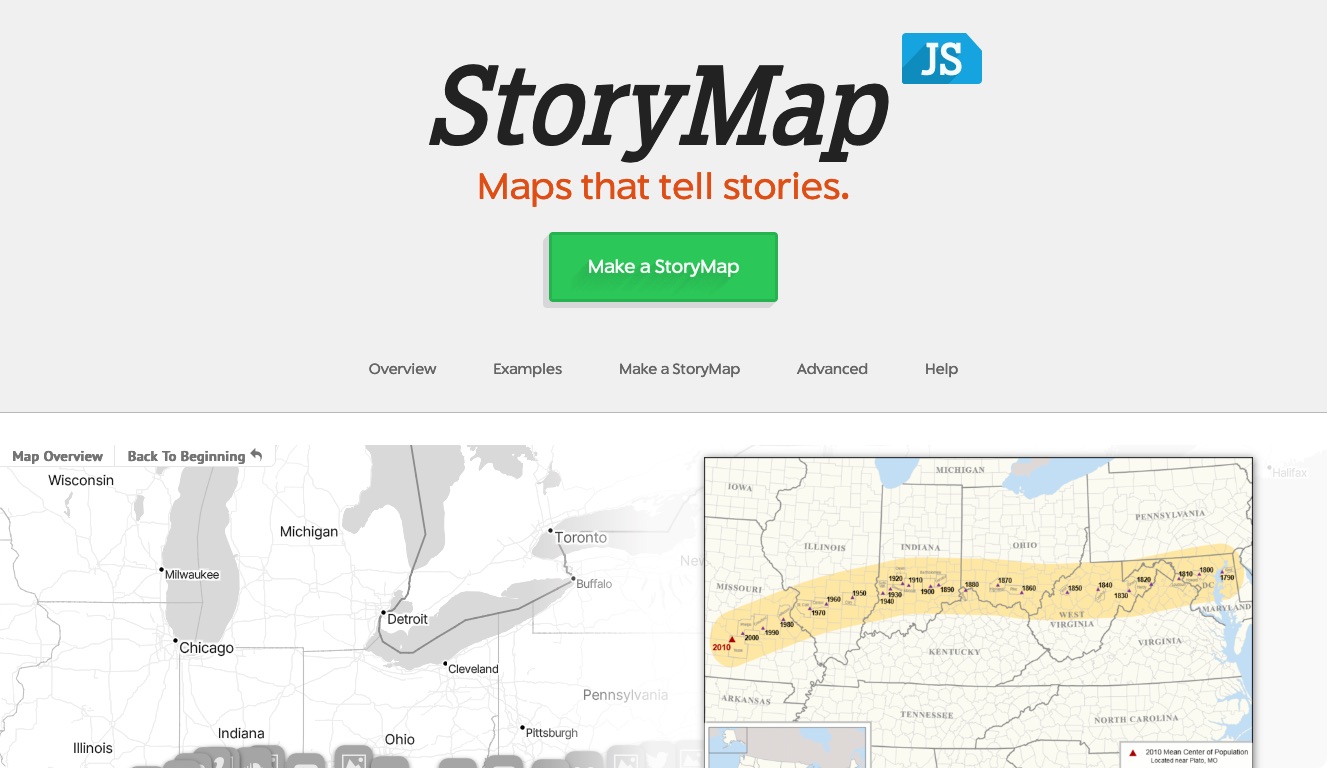
People will really notice a difference in creating a timeline. You don’t have to guess how to fill in a spreadsheet. The new editor is more intuitive. It resembles the one for StoryMapJS, but with a more modern feel. You can now upload image, audio or video files to include with your timeline. Note, though: this requires that you log in to an Atmosphere account.
Introducing the Atmosphere
You may be asking, “What is the atmosphere? Where do I get an Atmosphere account?” The easiest answer is: if you have a BlueSky account, you have an Atmosphere account. It’s actually a lot more interesting than that, though.
The Atmosphere is a new system for building and connecting applications that gives you more control over your own data. It makes it easy for you to sign in to other websites, much like “sign in with Google” or other services you’ve probably seen. Once you’ve done that, the sites you sign in to can store things (like the timelines you create and the images you upload) on your personal data server (PDS).
This approach lets us offer this service for almost no cost and with high reliability. We’ve sort of hacked together similar features using Google in the past, but the problem with hacks is that if Google changes their mind, things can break without any warning. The Atmosphere is designed for exactly this, though, so it won’t break.
BlueSky is the best-known provider of atmosphere accounts, but there are others, including some that really aren’t about social media at all. As of today, they are all offered at no charge, although some have ways you can support them if you want to . Core to the design of the atmosphere is the idea that you can change your mind and move your account as easily as moving your mobile phone number. And just like with phones, no one needs to be notified.
Learn more about the Atmosphere on the TimelineNG website.
Can't use the Atmosphere?
That’s no problem — the atmosphere is just the easiest path. You can still use our editor (sorry, no media uploads without Atmosphere). When you’re ready, click the “publish” button to download your timeline as CSV or JSON.
If you don’t have a server and just want embed code or a direct link:
- from the TimelineNG editor's “publish” sheet, download as CSV
- import the download into a new Google Sheets document.
- Publish that to the web like in the previous version
- copy the URL (ending in /pubhtml)
- come back to the new site
- click the "from URL" button
- paste the copied URL
- click "Just Get Embed Code"
- copy the embed code (to publish on a page) or the direct link (to share any other way)
If you have a server and some comfort with JavaScript, see our self-hosting guide for more details. Of course, you can make the JSON without our editor too—check out the data format specification for more.
A few more things
No one needs to know anything below to use TimelineNG, but if you want to get nerdy with us…
Better sharing on social media
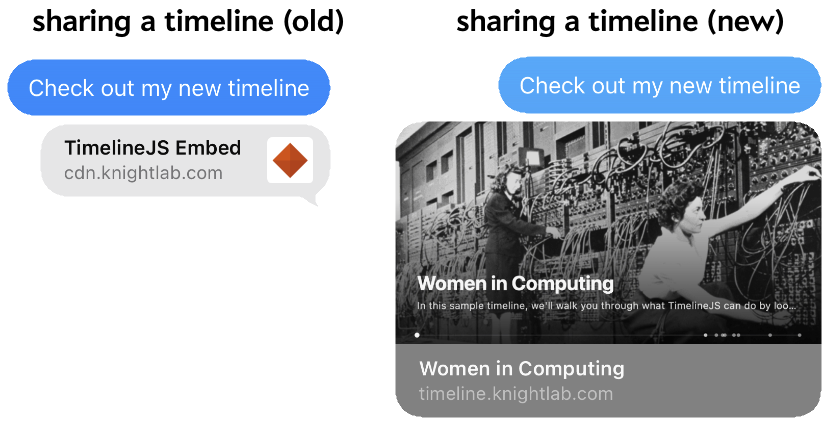
Long-time TimelineJS users probably know that sharing a direct link to a timeline on social media was disappointing because it didn’t provide a good share card—the thing that shows a title and image appropriate to the shared content. This is because there’s a single page that serves all timelines. That page uses JavaScript to show your specific timeline, but the things that build share cards don’t run JavaScript.
This time around, we adopted the edge worker pattern so that your timeline gets a good share card. Edge workers are little bits of code that run “in the cloud.” They allow us to create a page instantly when needed that has all the ingredients of the share card.
More cool things you can do with the atmosphere
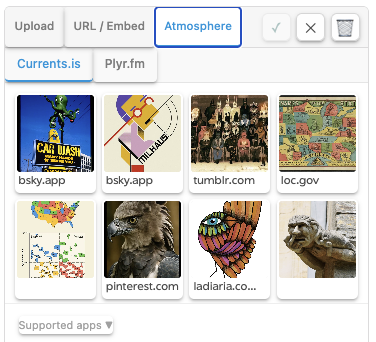
A big part of creating a timeline is including rich media to tell a better story.
As mentioned above, the atmosphere is much more than BlueSky. There are also applications that let you manage images and audio files. When you log in to the editor with an atmosphere account, the editor checks to see if you use any of the services it knows about. If you do, you’ll be able to browse your collections on those services for media to add to your timeline. Right now we can include images from currents.is and grain.social and audio from plyr.fm. If there are others we should add, let us know!
About the author